Add an M4B Audiobook to Apple Books on iPhone (Windows PC)

Author
Nov 10, 2026 5 minutes
You have an M4B audiobook on your Windows PC and want to listen to it on your iPhone. Apple Books plays M4B files with the cover and every chapter in place. The file gets there through iTunes: add it, plug in the phone, sync.
The whole thing takes about three minutes. Here it is in 39 seconds. The written steps below follow the same order.
What you need
- iTunes on your Windows PC
- Your iPhone and its cable
- Your .m4b file
The short version: Add File → iPhone icon → Sync Audiobooks → Sync.
Step 1: Add the file to iTunes
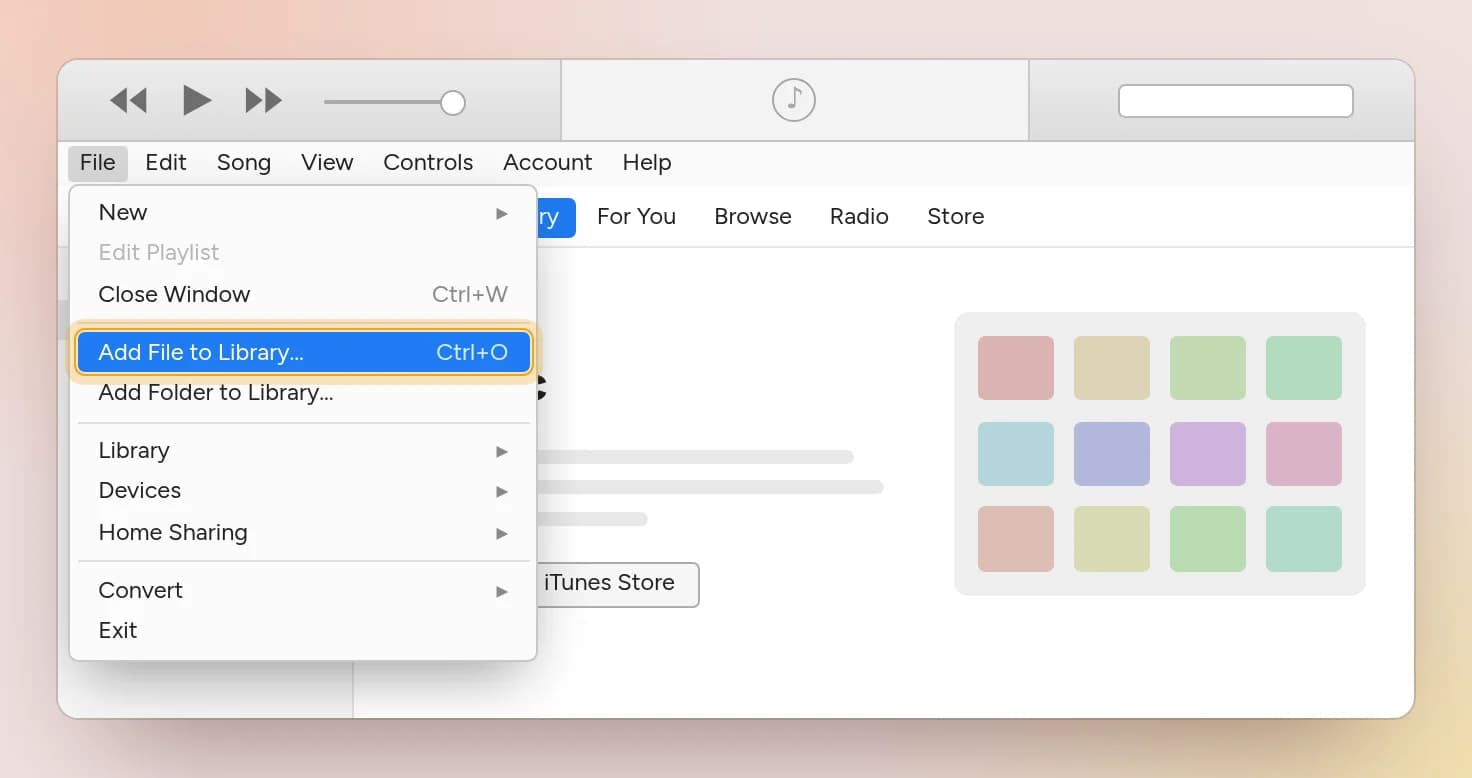
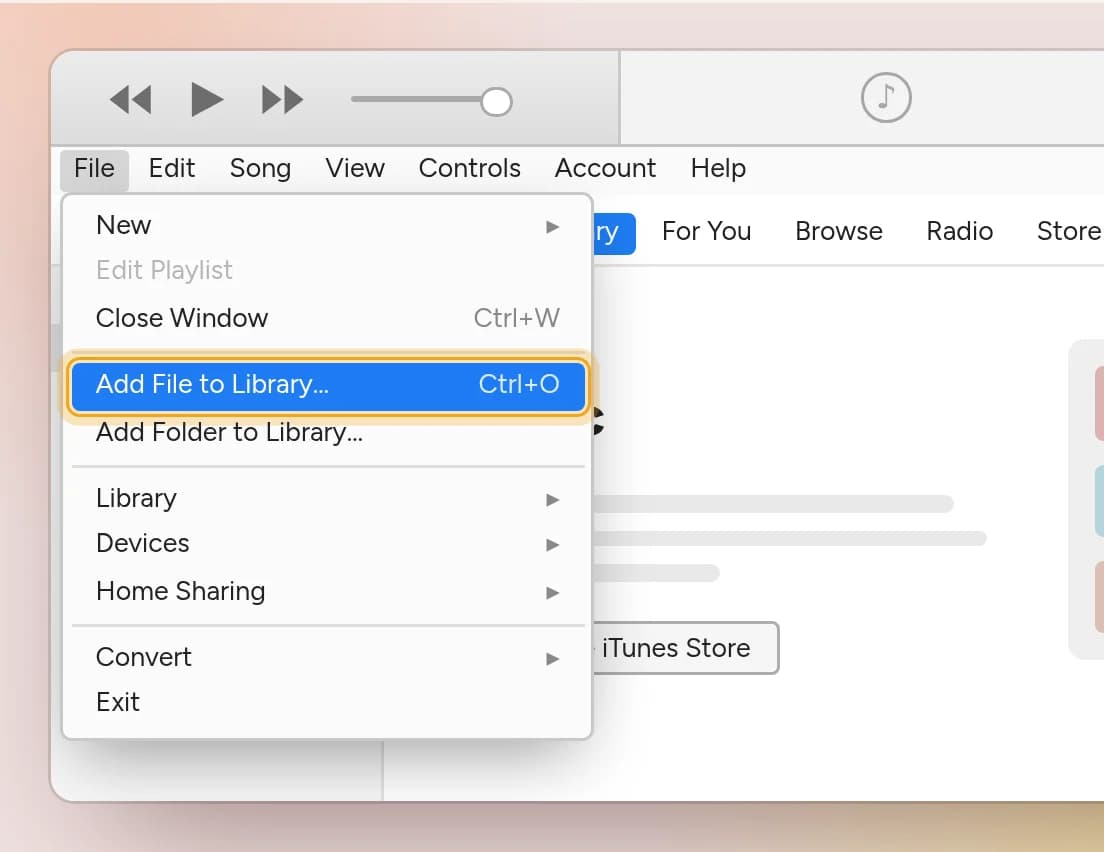
Open iTunes and click File in the menu bar, then Add File to Library… The keyboard shortcut is Ctrl + O.
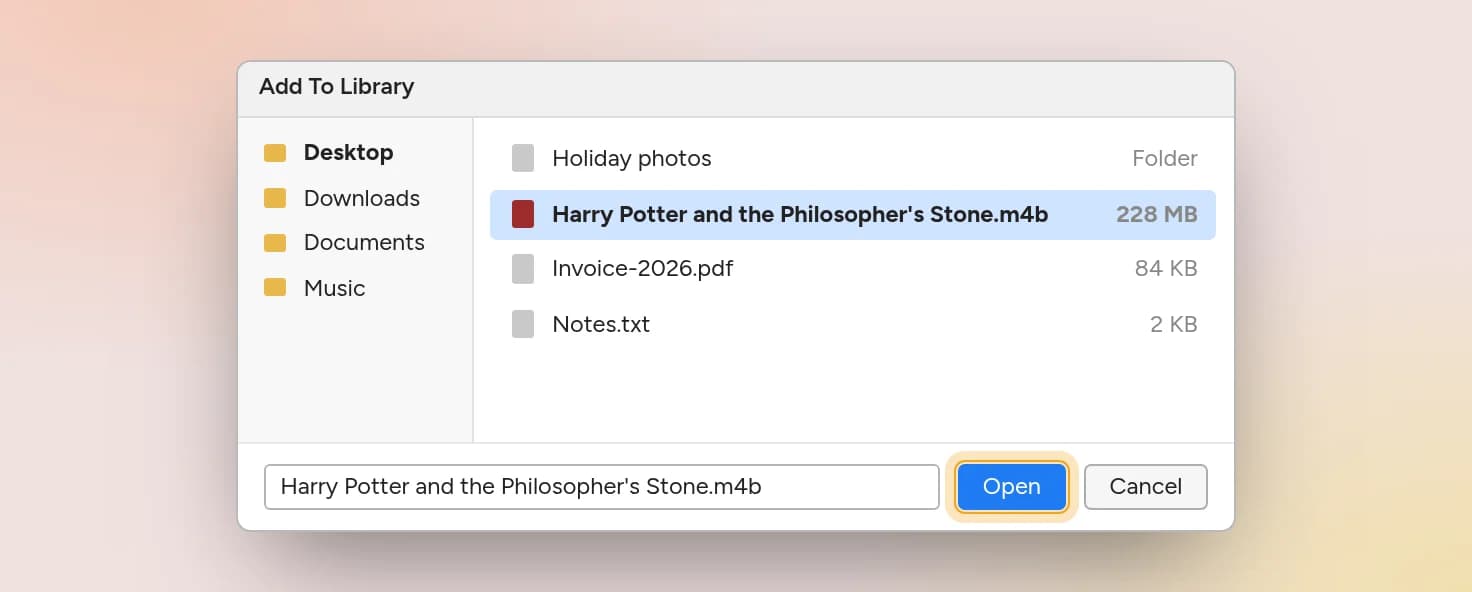
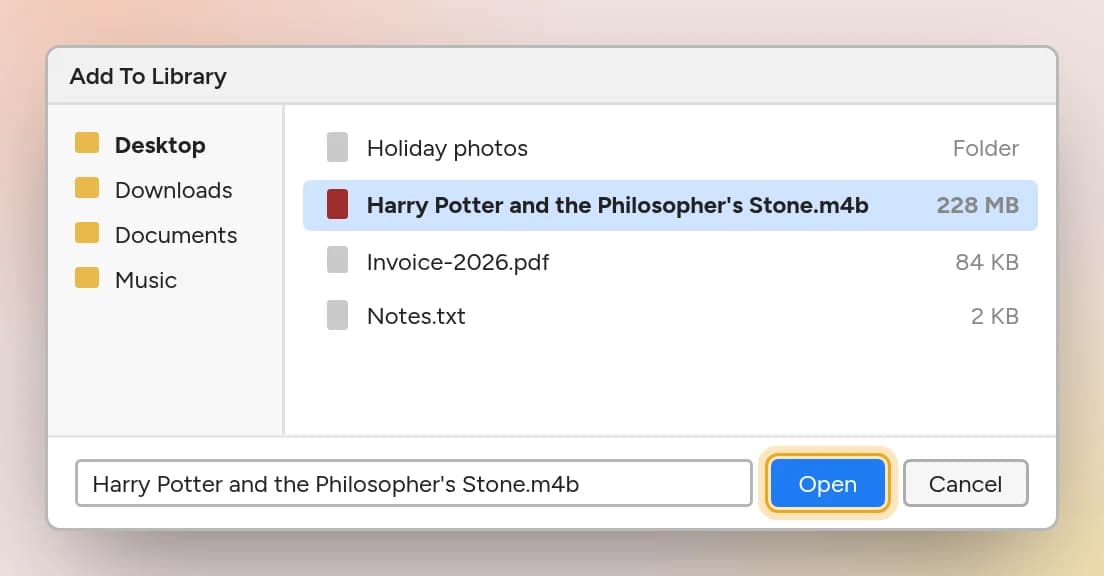
Find your audiobook, select it and click Open.
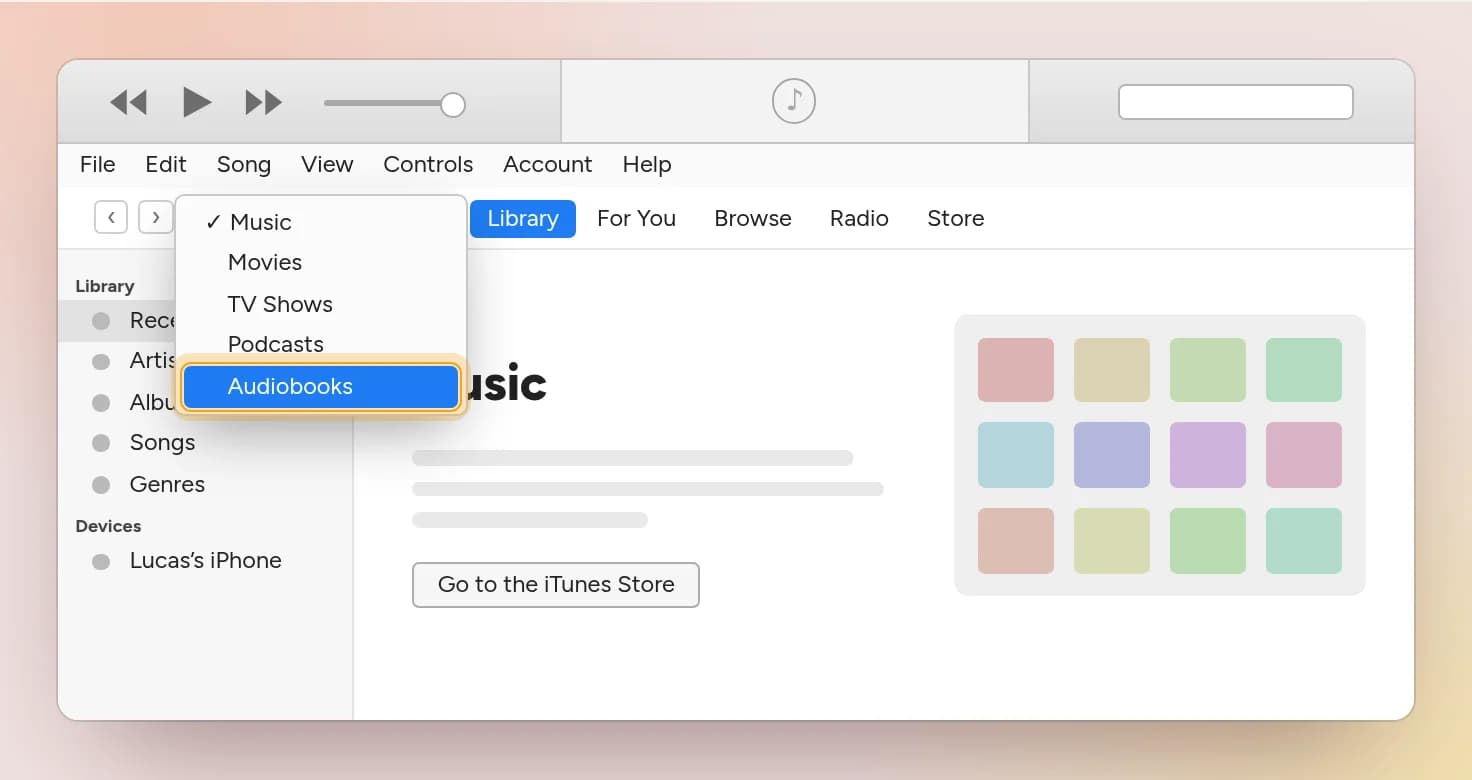
Nothing happened? It worked.
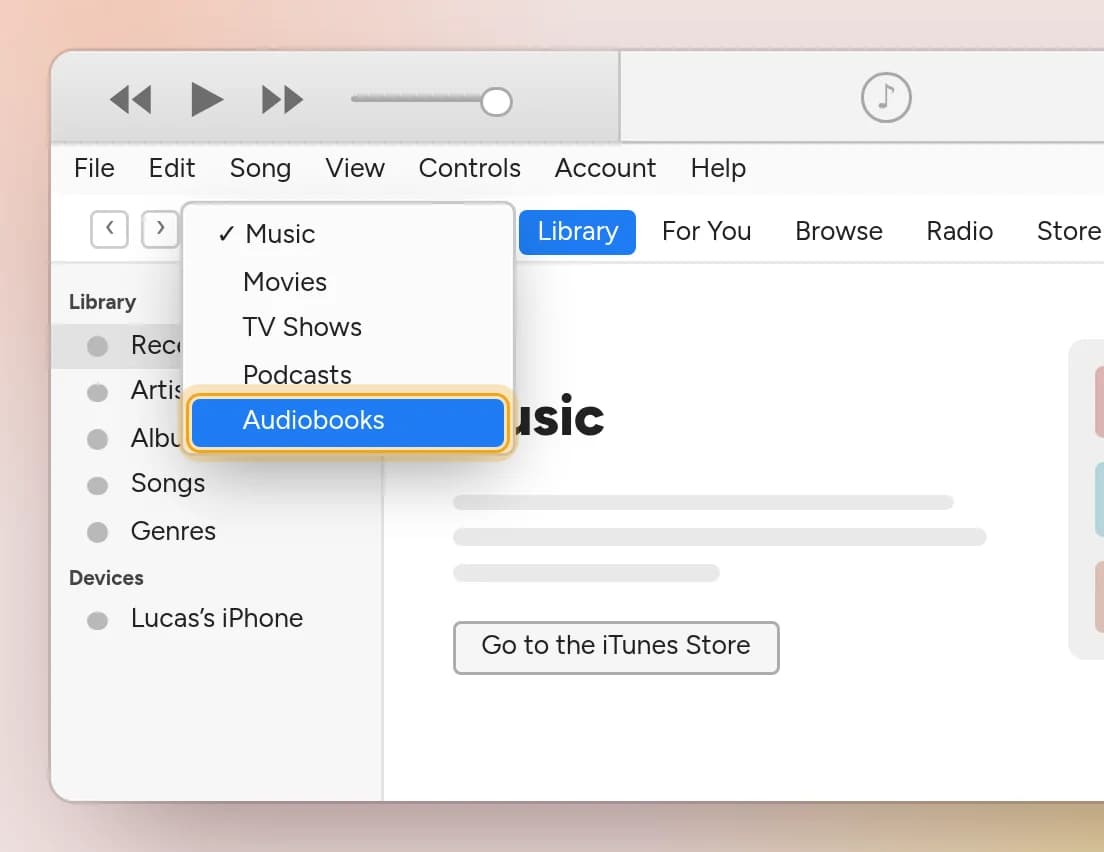
This is where most people get stuck. iTunes opens on Music, and audiobooks don't show up there, so it looks like the file was ignored. It wasn't.
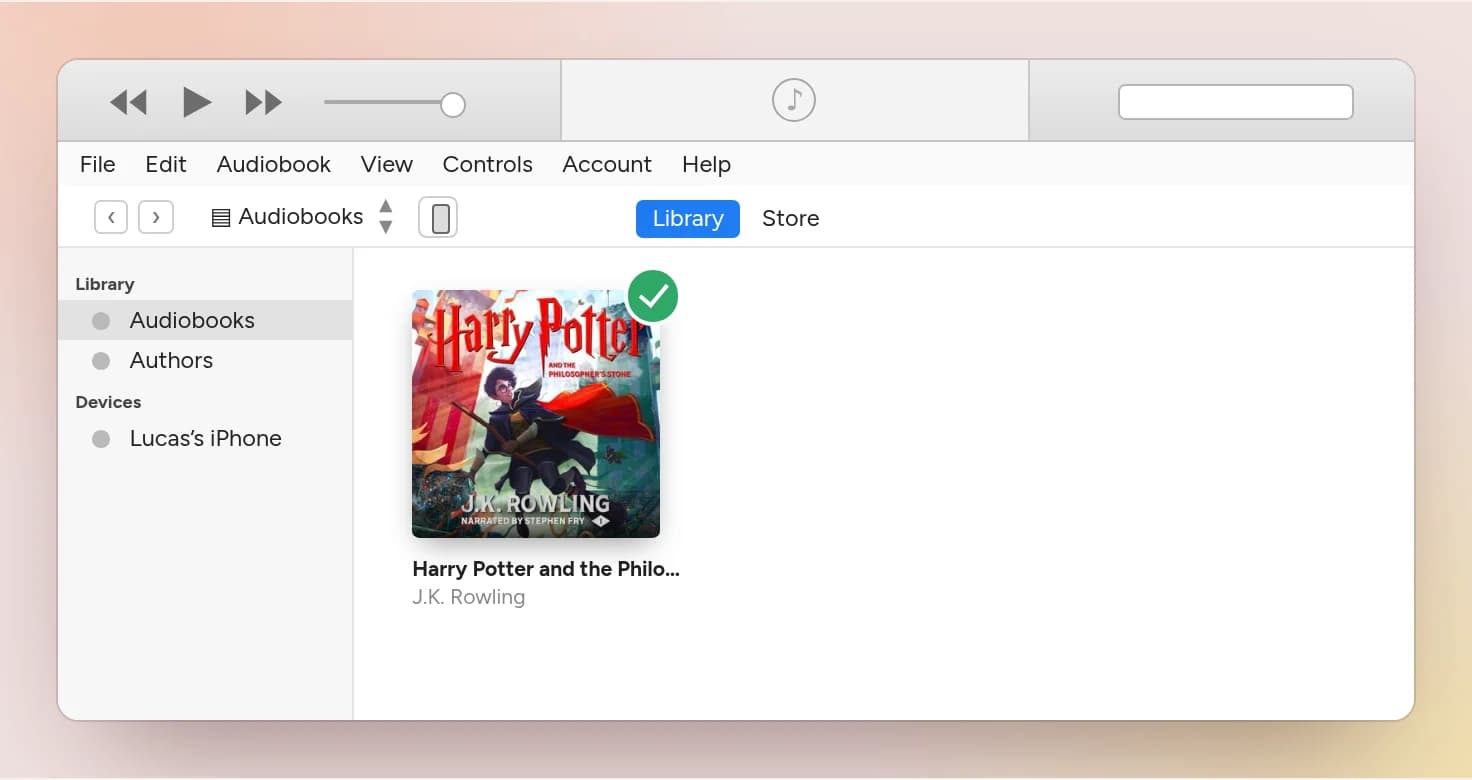
Click the dropdown in the top left and switch it from Music to Audiobooks.
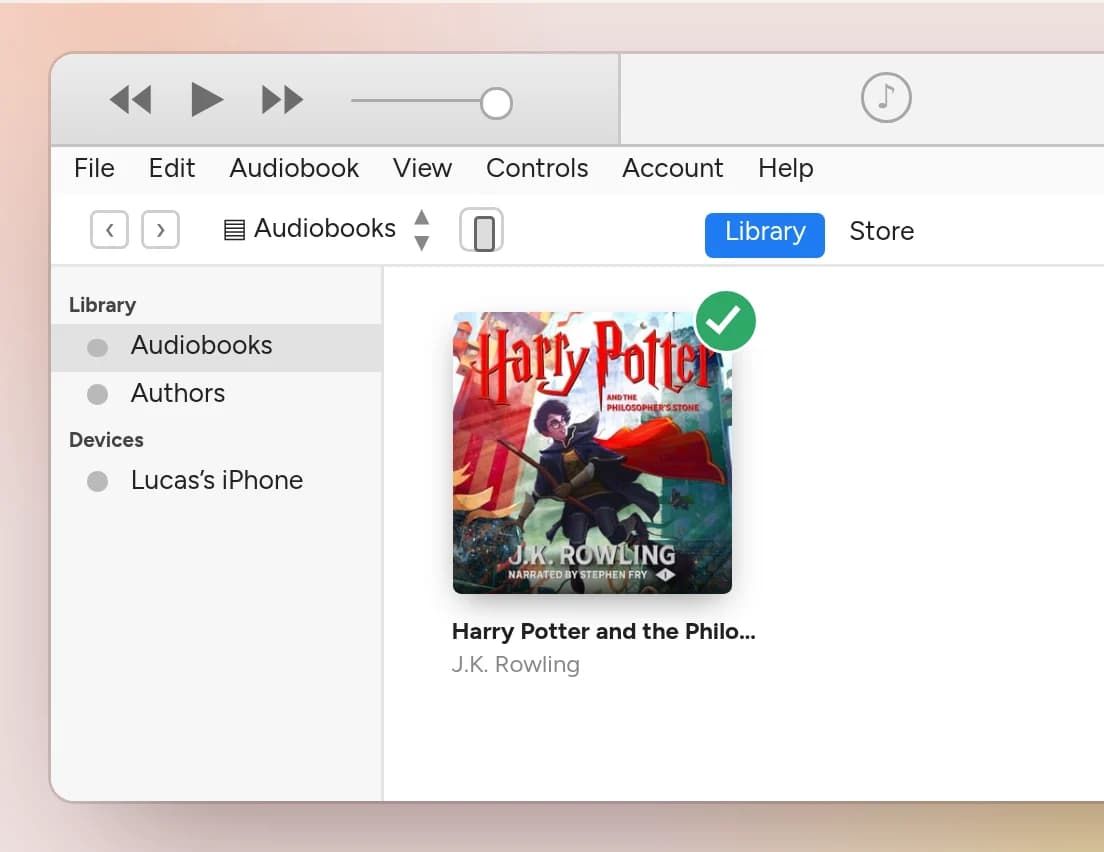
There's your book, with its cover.
Step 2: Plug in your iPhone and click its icon
Connect the iPhone with its cable. After a few seconds a small phone icon appears right beside the dropdown you just used. Click it to open the iPhone's settings.
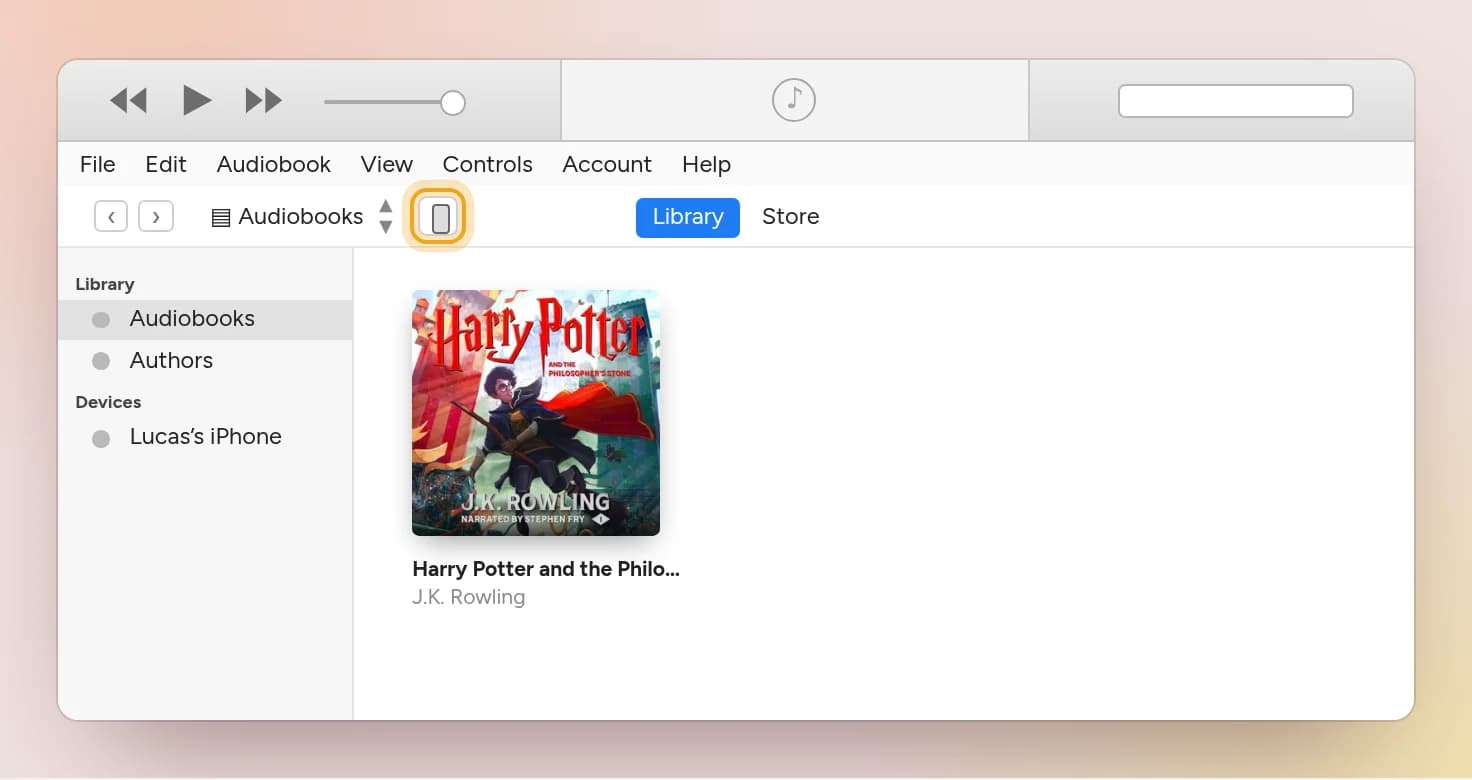
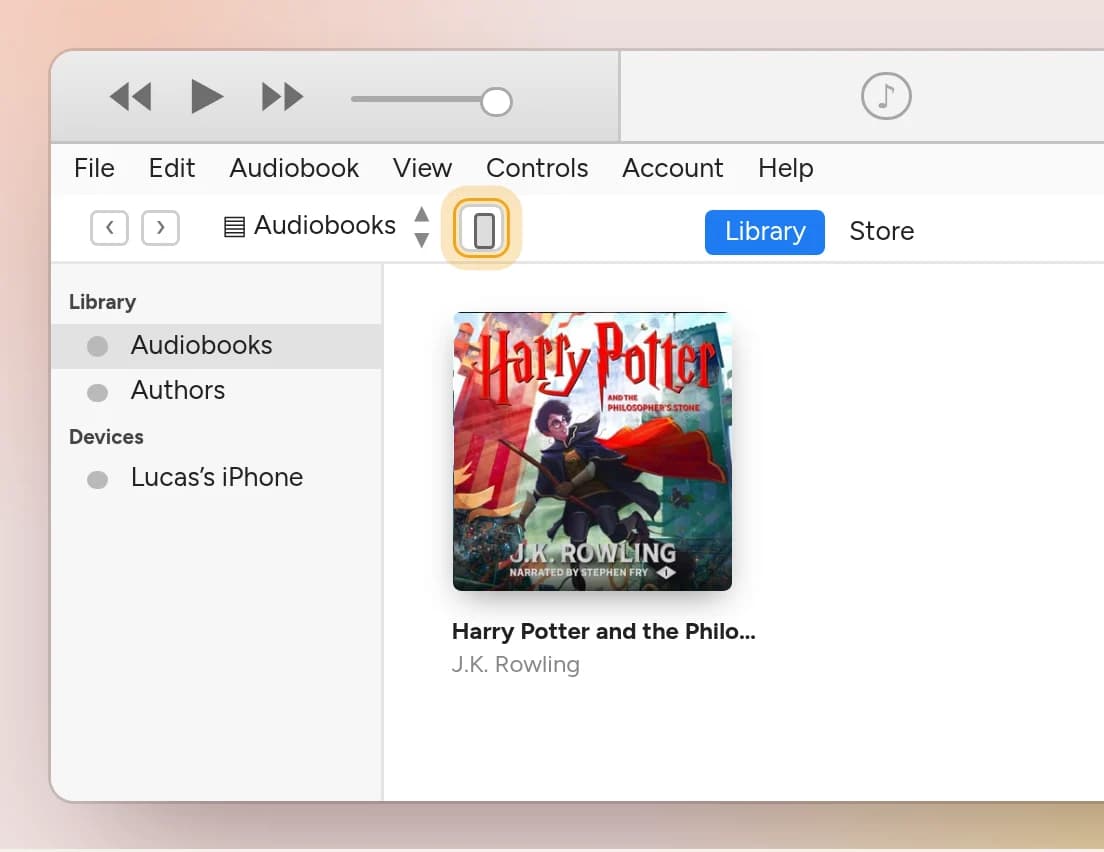
No icon? Unlock the iPhone. The first time you connect it to this computer, it asks whether to trust it. Tap Trust and enter your passcode.
Step 3: Tick "Sync Audiobooks"
The left sidebar now has two lists. Use the upper one, Settings, and click Audiobooks. Then tick the Sync Audiobooks box at the top.
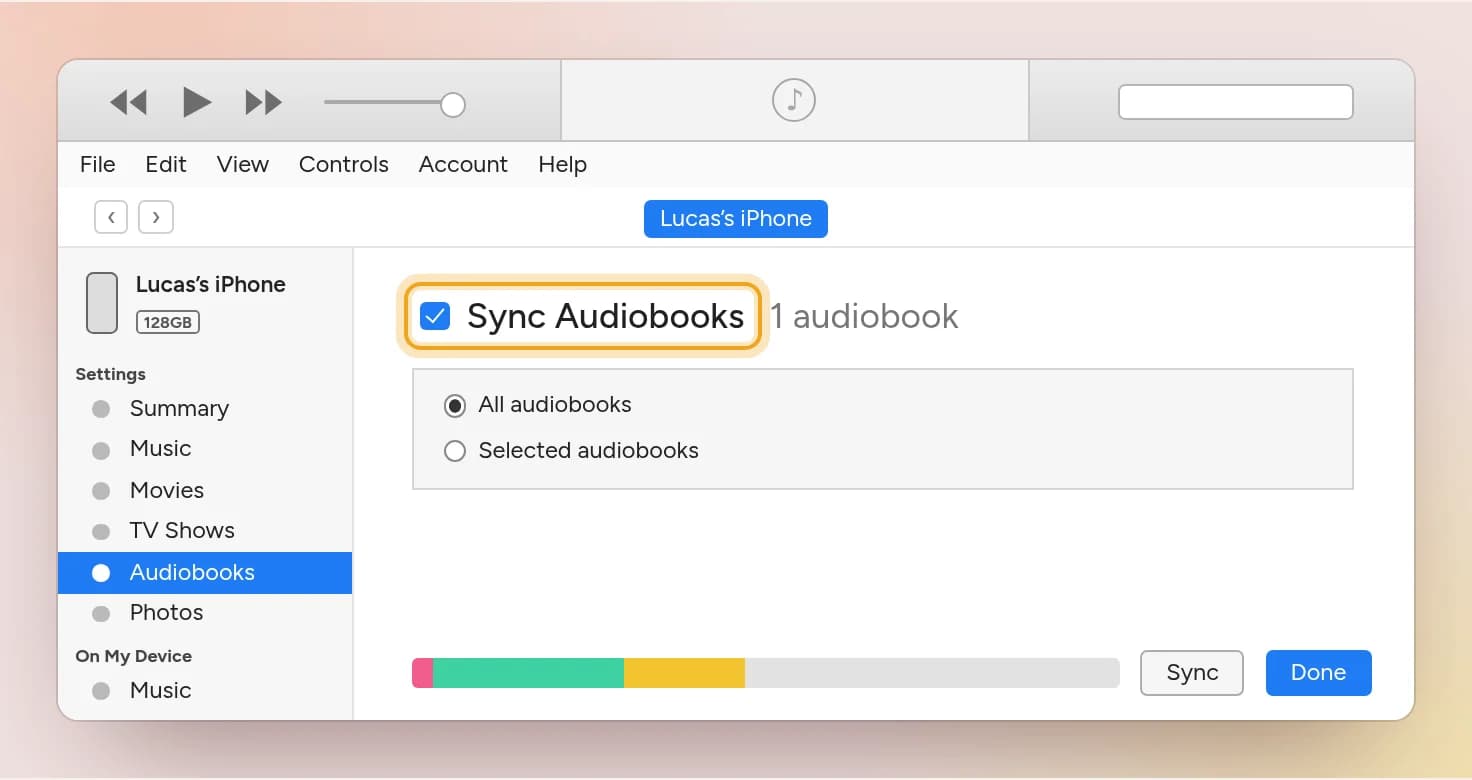
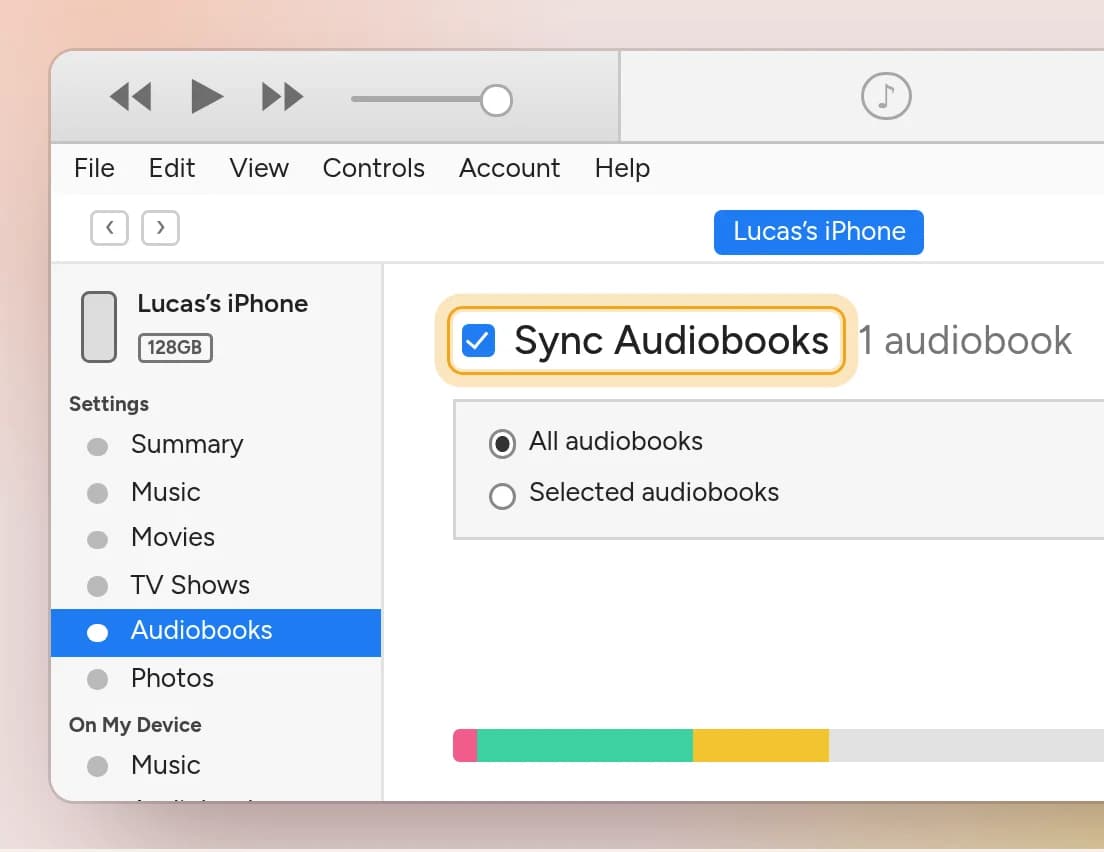
All audiobooks copies everything in your iTunes audiobook library. If you only want some of them on the phone, choose Selected audiobooks and pick them from the list.
Step 4: Hit Sync
Click Sync in the bottom right corner. If you just changed a setting, the same button may read Apply. The bar at the top of the window shows the progress.
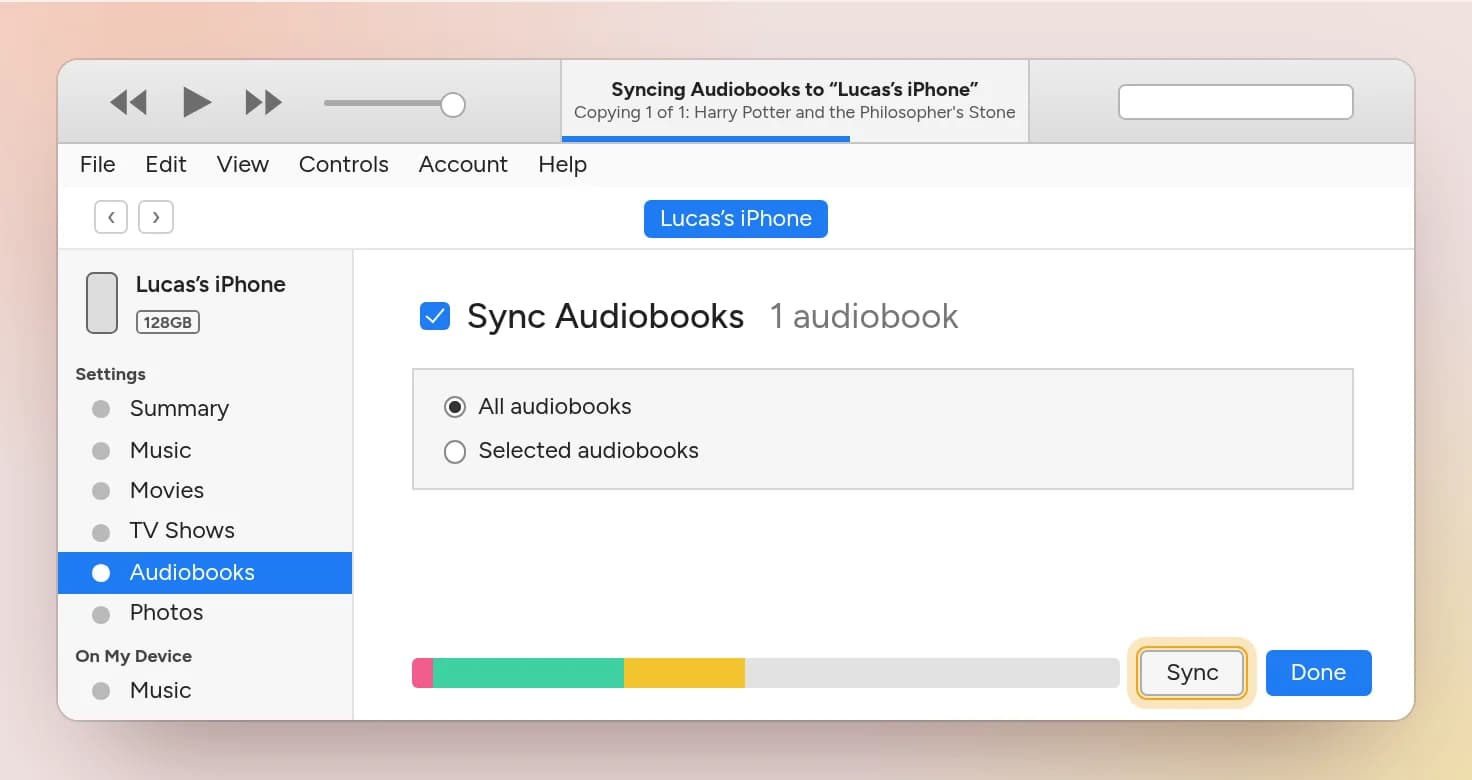
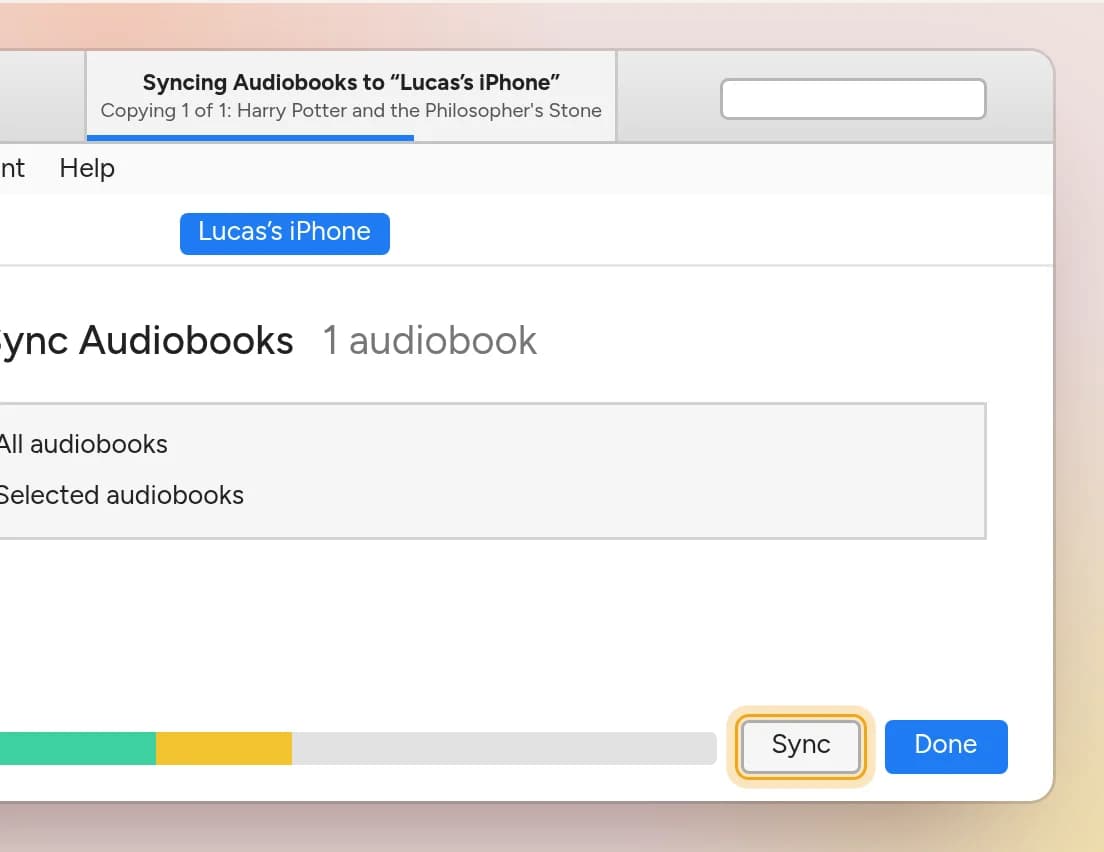
A 9½-hour book copies in about a minute. When the progress bar is gone, the sync is finished and you can unplug the phone.
Want proof before you unplug? In the lower sidebar list, On My Device → Audiobooks now lists the book.
Open Books on your iPhone
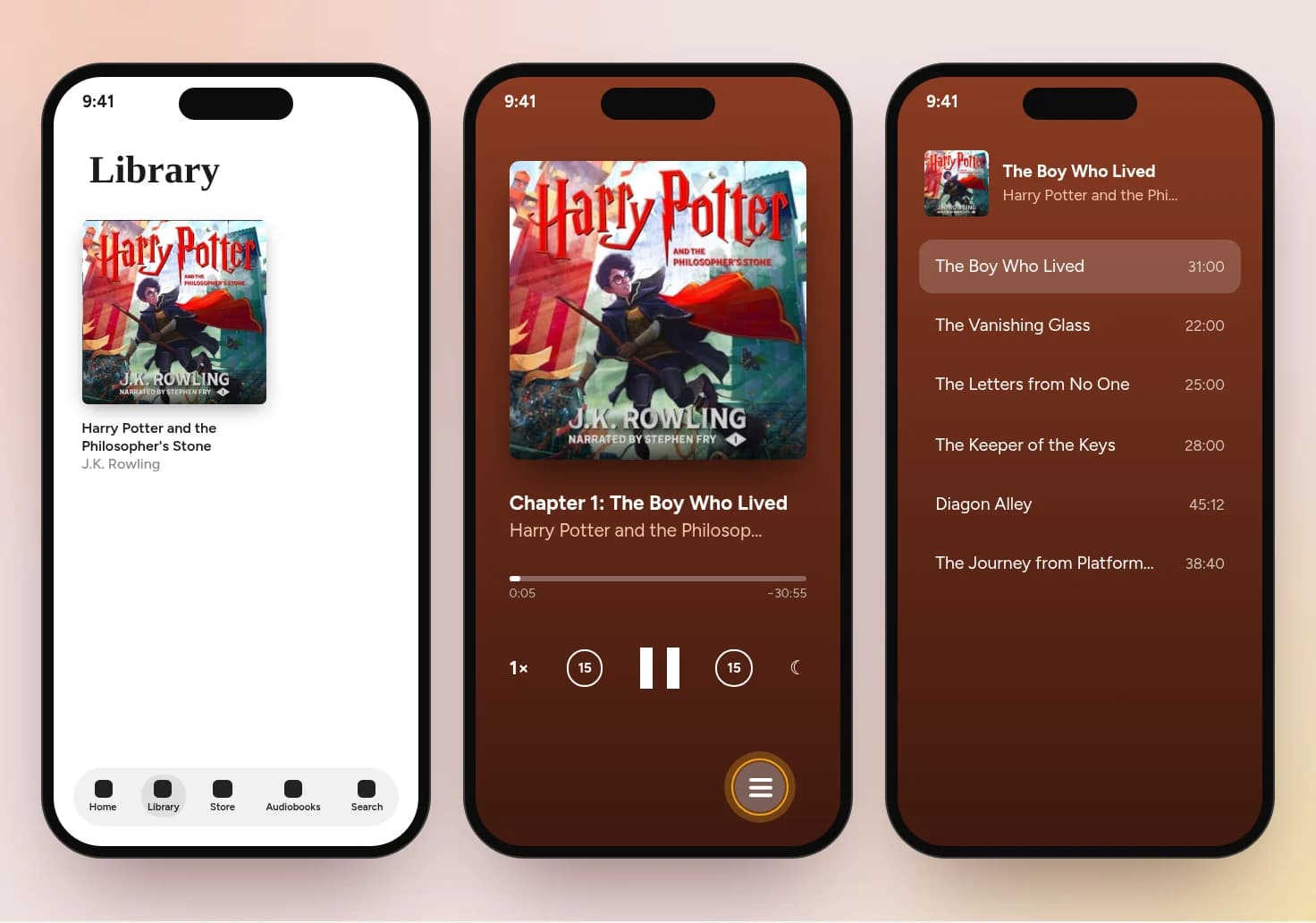
Open the Books app and go to the Library tab. Your audiobook is there. Tap the cover to start listening, and tap the list button in the player to see the chapters.
If something looks off
I added the file and iTunes looks the same. That's the Music view. Switch the top-left dropdown to Audiobooks, as in step 1.
The iPhone icon never appears. Unlock the phone and tap Trust when it asks. If it still doesn't show, try another cable or USB port.
The book is on the phone but has no chapters. Chapters and cover travel inside the M4B file. If the file has none, Books has nothing to show.
I'm on a Mac. Recent versions of macOS have no iTunes. Add the file to the Books app on the Mac, then sync the iPhone from Finder. The Audiobooks tab there has the same "Sync Audiobooks" box.
Don't have an M4B yet?
If your audiobook is a folder of MP3s, iTunes files it under Music, not Audiobooks, and you get loose tracks instead of one book with chapters. Why audiobooks use M4B files instead of MP3 folders explains the difference.
That is what I built Audiobook Converter for. Drag in your MP3 files and you get one M4B with a chapter for each file, ready for the steps above. No installation or account required.
Prefer a different app than Apple Books? See the best audiobook player apps for M4B and MP3 files.